
Tips for adding submitted photo information
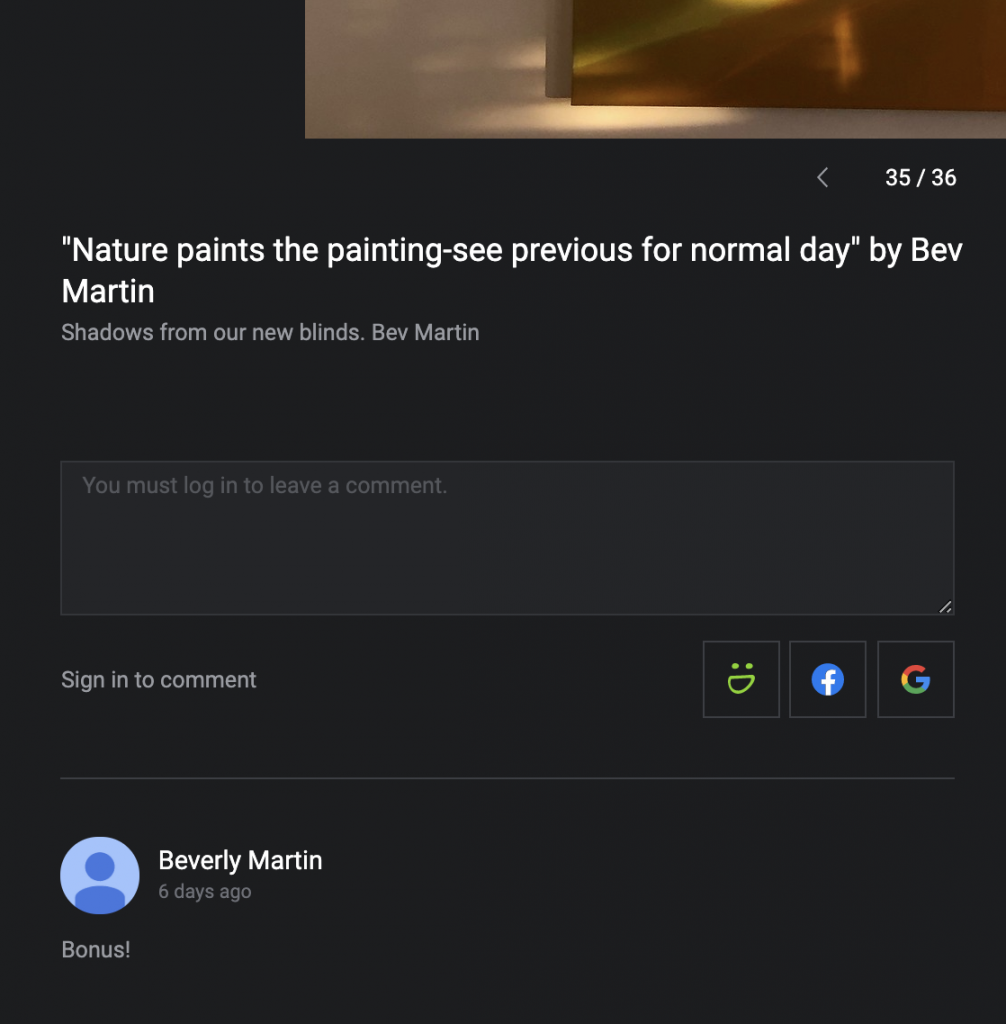
- To leave your photo information in the comment area in the Smugmug Gallery, (in a box below active photo, or in full screen, or on mobile, to left in a comment icon bubble, or under three dots at bottom), please put your cursor in the comment box and you will then see an option appear below the box, to select either the Smugmug Icon (guest account info below) blue and white “f” or rainbow “G” to be use your Facebook or Gmail account to leave a comment. Then you will be prompted to navigate away and login into your account, then will usually be navigated back to this page to continue. Please leave your information in you comment and the information will be transferred to your photo.
- *Smugmug Account option: If you select the Smugmug logo that appears below comment box, then you can login with [email protected] and for the password, use our website password twice: rh***esrh***es. Note, if you use this account to log in and leave comment, please remember to sign your name so we know who it is. 😁
Would you like to create your own guest account? If you have not received and invitation from Smugmug, please contact [email protected], or 206-930-5556 to be sent a guest account invitation. If you do not use a guest invite, you will be signed up for a full account, min. $55/year. - Give a try in Summer Event Gallery or June 20th, Summer Solstice Gallery
Leave a Reply
You must be logged in to post a comment.